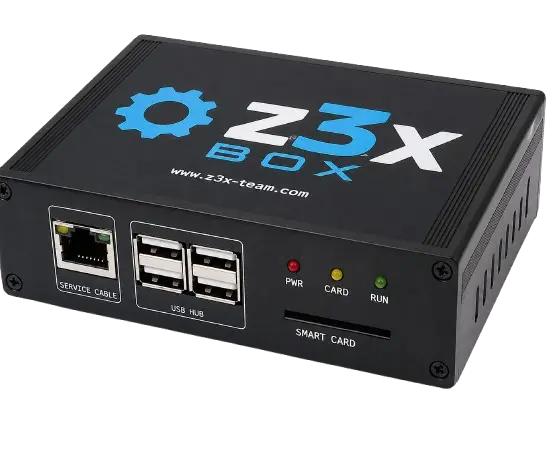
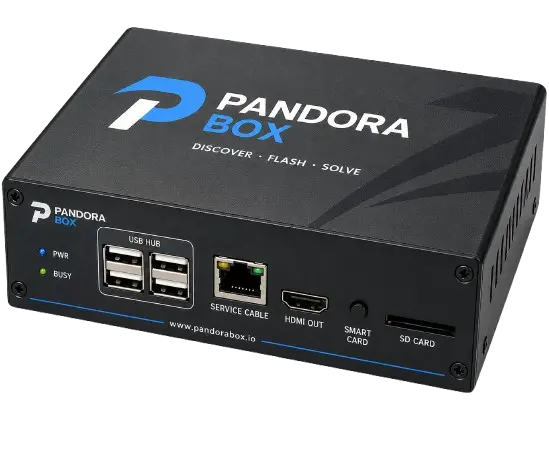
Sigma Plus / SigmaKey, use the official Sigma drivers and addons. The official download page provides separate drivers for the dongle/box and phone USB drivers for MTK, Qualcomm, Broadcom, and other devices.
Step-by-step
- Download the official Sigma drivers from the Sigma Drivers & Addons page.
- Install SigmaKey Dongle Driver or SigmaBox Drivers.
- Install SigmaKey Addons if required.
- For phones, install the appropriate driver:
- MTK USB Driver
- Samsung Exynos/QCOM Driver
- Qualcomm Driver
- Motorola USB Driver
- Huawei USB Driver
- ZTE USB Driver
- Restart Windows after installation.
- Connect your Sigma Plus Box/Dongle directly to a motherboard USB port. Sigma recommends avoiding USB hubs.
- Install and open the latest Sigma Plus software.
- Open the Sigma tab and use Update Card Firmware for the first box/dongle update.
If Sigma does not detect the Dongle
Use only the official Sigma drivers. Sigma specifically recommends reinstalling the dongle driver and trying another direct USB port if the device is not detected.
Current Sigma Plus software: Version 1.01.18, dated 18 September 2026.